Table of Contents
Chattrik’s Offline Form ensures visitors can still leave messages when no agents are available. You can customize offline greetings to maintain engagement and clarity, and enable messaging channels such as WhatsApp, Messenger, or Twitter. This ensures that visitor inquiries are collected even outside working hours. Offline form settings help streamline lead management, maintain communication, and ensure your support team can respond promptly once agents are online.
Step 1: Log in to Your Dashboard
- Log in to your Chattrik dashboard.
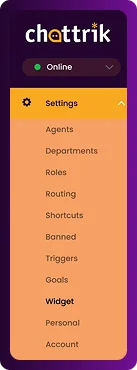
- Navigate to Settings and select Widget from the menu.
Step 2: Open the Offline Form Section
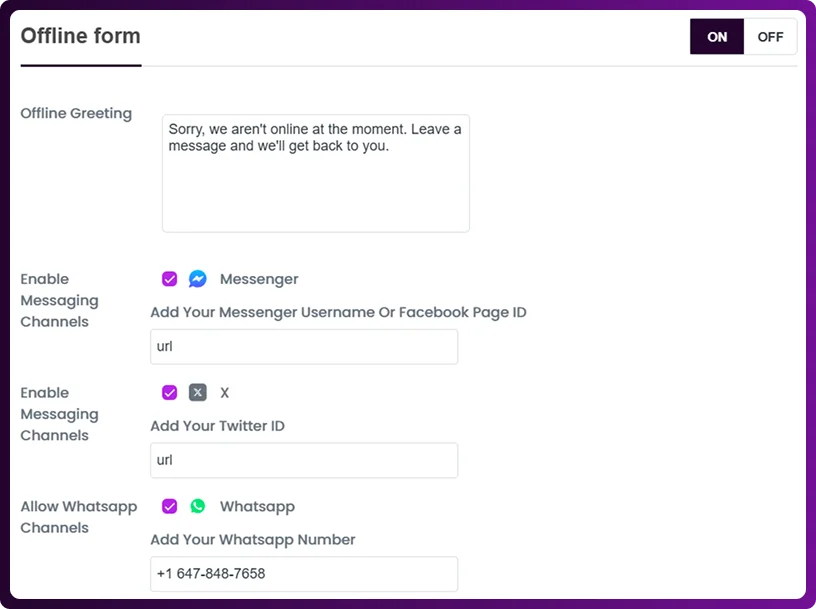
- Go to Forms → Offline Form.
- This section manages how the widget behaves when no agents are online
Step 3: Customize Offline Greeting
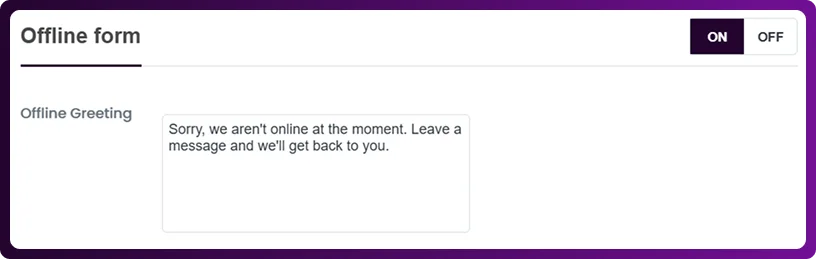
- Write a clear and friendly offline greeting for visitors.
- Explain that agents are unavailable and provide guidance for leaving messages.
Step 4: Enable Messaging Channels
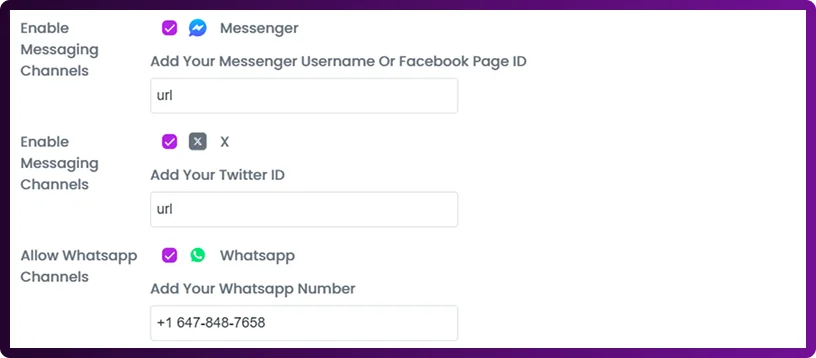
- Turn on or off communication channels like Messenger, WhatsApp, and Twitter.
- This ensures visitors can leave inquiries through their preferred platform.
Step 5: Save Your Settings
- Click Save Changes after all configurations.
- The form updates immediately and is applied to all future chats.