Share Files Instantly, Support Faster

Deliver seamless conversations by letting customers share documents, images, and more—right inside your chat window.

What is Files Sharing in Chattrik?

Chattrik’s File Sharing feature enables teams and customers to exchange documents, screenshots, and media without switching channels. It streamlines issue resolution, speeds up verification, and keeps all essential files organized within the chat experience.

How It Works

Fast, secure, and intuitive—File Sharing in Chattrik integrates seamlessly into your support workflow, allowing your team and customers to exchange information without interruptions or channel-switching.

  • One-Click Uploads
  • Real-Time File Control
  • Secure Thread Storage

A simple, secure way to share files and streamline every customer interaction from start to finish.
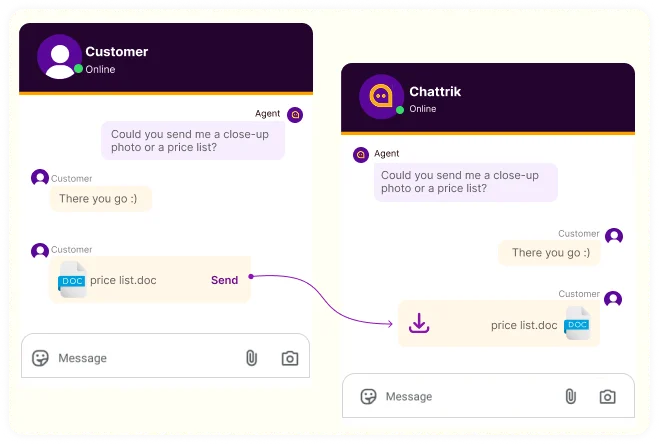
Side-by-side comparison of customer sending and agent receiving a price list document in Chattrik chat.

Enable File Sharing in Chattrik to Resolve Customer Queries Faster and Smarter

The Advantages That Transform Support

Chattrik’s File Sharing boosts productivity by keeping conversations complete, actionable, and file-ready—so your team can resolve issues in fewer steps.

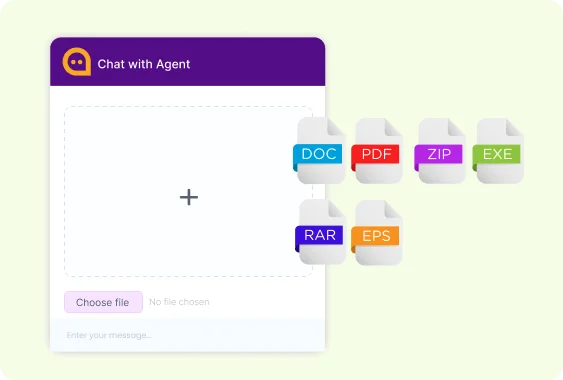
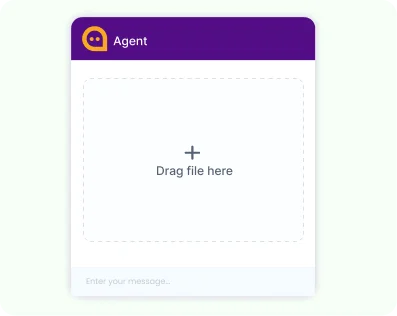
A drag-and-drop file upload zone within the Chattrik agent live chat window.

Instant Uploads

Share documents and visuals in seconds, helping customers provide context instantly.

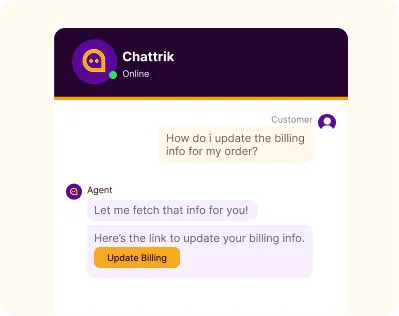
A live chat conversation showing an agent sending a clickable

Faster Resolution

Get the details you need without back-and-forth to solve issues quickly.

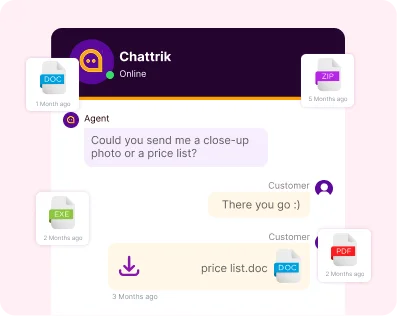
Chat window interface displaying various received file formats like DOC, ZIP, EXE, and PDF with timestamps.

Organized Conversations

All files stay inside the chat thread, keeping information tidy and easy to revisit.

Everything You Need to Know

Clear answers to common questions about how File Sharing works,
keeps data secure, and supports your team’s workflow.

You can instantly see:

Share images, PDFs, spreadsheets, documents, and other commonly used file formats directly inside your chat.

All files are encrypted and stored safely to ensure customer data stays protected end-to-end.

Yes, every file remains available in the conversation history, making future reference simple and efficient.
Chattrik agent interface displaying supported upload formats including DOC, PDF, ZIP, EXE, RAR, and EPS.

Frequently Asked Questions

Have questions? We’ve got answers. Here are the most common things people ask about Chattrik.

File sharing feature to send and receive documents, images and files.
Documents, image file and others file.
Easy to share documents, image file and all others things, you want to share your customers, and agents.
Yes, customers upload to support team.
Yes, all files share on secure Chattrik, platform.
Yes, customers send to agents a file, during the live chat.
Yes, helps agents, speedup, the resolution process and support.
Yes, all files will be, saved, for further access.
Yes, in all, the supported mobile device.
The size depends, on your Chattrik account and plans.
Yes, from conversation history.
File sharing helps in improving, team productivity, by providing instant, access, to all important documents and, images during client discussions, thereby, expediting issue resolution and.

Upgrade Your Customer Experience

Activate File Sharing today and streamline collaboration between your team and customers from the very first message.

WhatsApp Chat