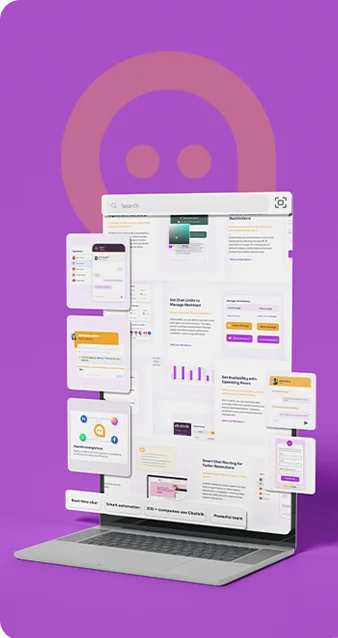
Full Control at Your Fingertips

Chattrik's Settings & Controls give you the flexibility to personalize your workspace, optimize chat operations, and manage your subscription all in one.

Stay in Control Without Complexity

Whether you're managing agent activity or billing access, Chattrik's settings area gives you complete administrative power without the clutter.
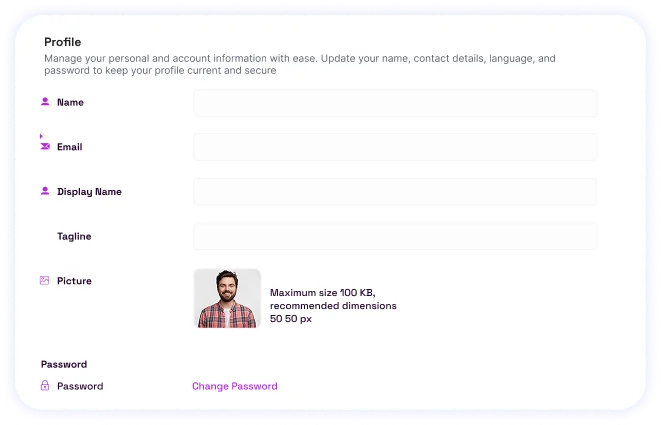
An account profile settings panel containing text fields for name, email, tagline, and an avatar upload.

Profile

Manage your personal and account information with ease. Update your name, contact details, language, and password to keep your profile current and secure

Operating Hours

Set your team's availability by defining business hours, holidays, and time zones. Ensure customers always know when your agents are online and ready to chat
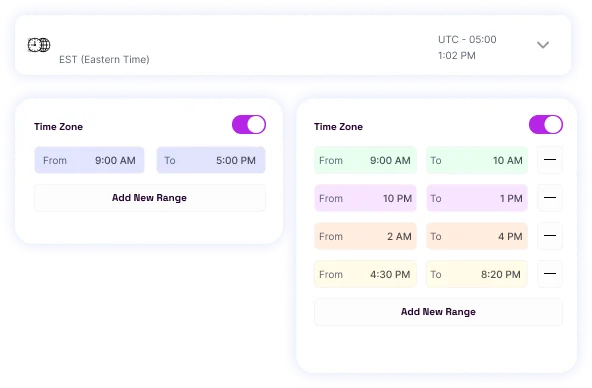
A time zone and chat availability scheduling interface displaying custom hour range selectors.
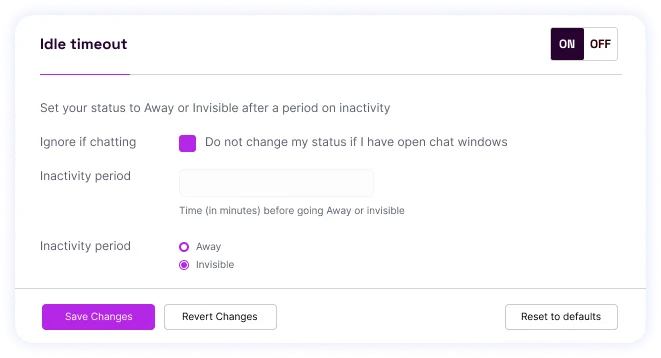
An idle timeout configuration window with toggles and option settings for auto-updating agent status.

Idle Timeout

Maintain security and efficiency by automatically logging out inactive users. Customize timeout settings to match your team's workflow and protect sensitive data.

Subscription & Billing

Easily manage your Chattrik plan, view invoices, update payment methods, and assign billing roles-all from one clear, centralized dashboard.
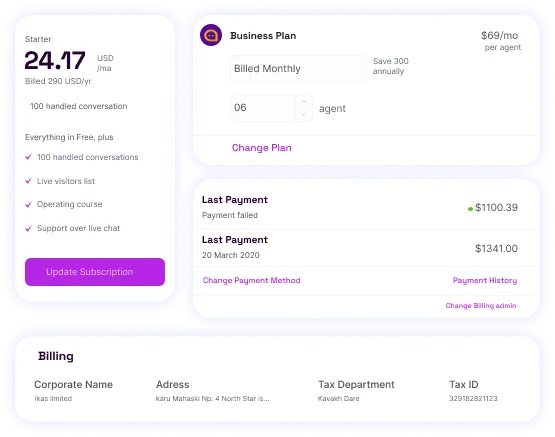

A billing and account subscription dashboard detailing plan tiers, pricing calculations, and transaction history.

Frequently Asked Questions

Have questions? We’ve got answers. Here are the most common things people ask about Chattrik.

Settings & Controls refer to all of your account settings, preferences, and billing details all at one convenient place.
You can change the details of your profile, password, display language, and contact number.
Yes, from the settings and control you can review your plan, invoices, and billing information, and make changes to your payment details.
Yes, the account administrator has control over managing and controlling user access.
Idle timeout is an automated log-out facility for the account that gets initiated for a user that shows inactivity over a given duration of time and that protects the account from unauthorized use.
Yes, you can set and reset the account password anytime from profile setting.
Yes, all the details regarding the profile of the user can be updated anytime.
Yes, Chattrik ensures to present all the administrative, management, and technical controls on a single user friendly panel.
Yes, with adequate rights and permissions, all administrators of the Chattrik account can manage system controls.
Yes, it helps secure your Chattrik account using Idle timeout feature and helps manage the permissions of the user.
Yes, with the help of these controls you can personalize the setting as per your business requirements.
It significantly improves the administrative ease and provides complete control of the platform.

Start 30-day free trial at Chattrik

Explore premium chat features, boost support efficiency, and secure your conversations.

WhatsApp Chat