Table of Contents
Logging into Chattrik is fast and user-friendly. This guide explains how to access the login page, enter your registered email address, and type in your password to reach your account dashboard. It also provides helpful tips for avoiding common mistakes, such as typing errors or using an incorrect email. With this step-by-step support, you’ll always have smooth access to your Chattrik account, whether for work or trial use.
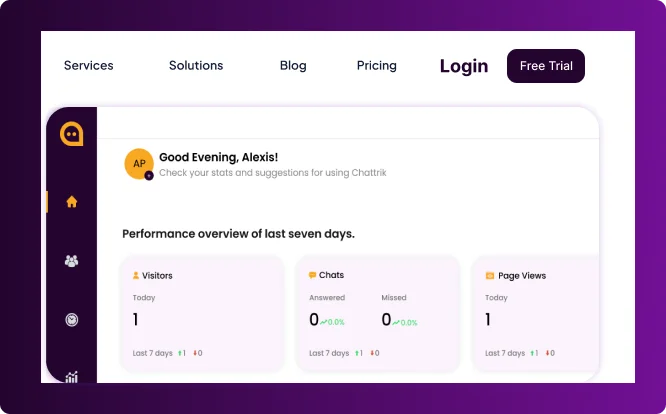
Step 1: Go to the Login Page
- Visit Chattrik.com.
- Click on the "Login"button in the top-right corner of the homepage.
- You will be redirected to the login screen.
Step 2: Enter Your Credentials
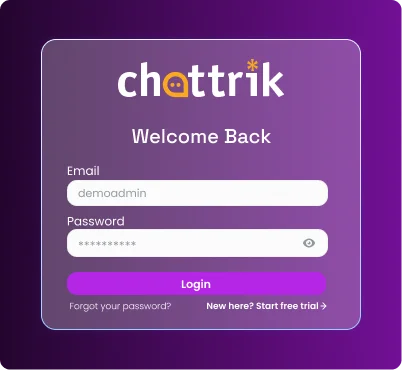
Type in your registered email address.
Enter the password you created during sign-up.
Click on the Loginbutton to proceed.
Step 3: Access the Dashboard
- Once logged in, you will be redirected to your dashboard.
- Click on Go to your Chattrik interface on the top right corner
- You will be redirected to the Chattrik Interface page.
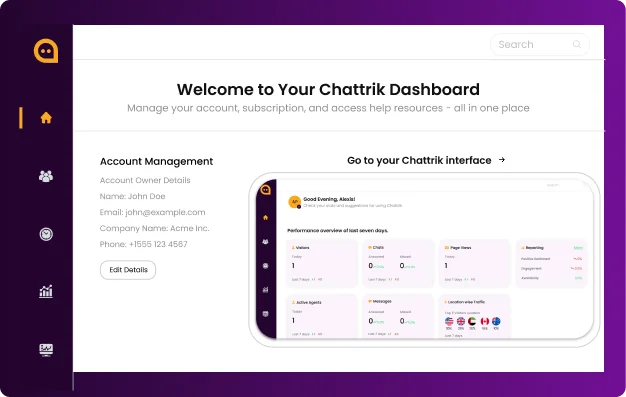
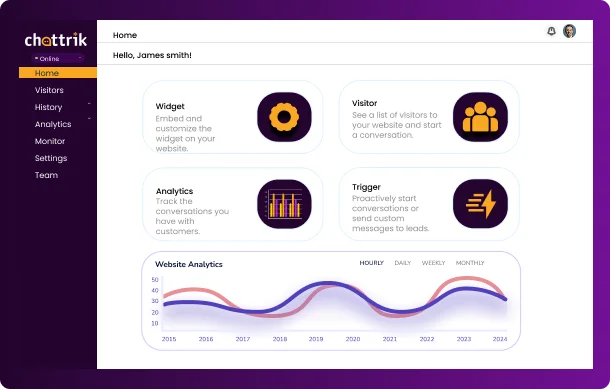
Step 4: Chattrik Interface
From here, you can:
- Monitor real-time visitors
- Manage chat requests
- Access analytics and reports
- Customize settings