What Is Live Visitor Monitoring?
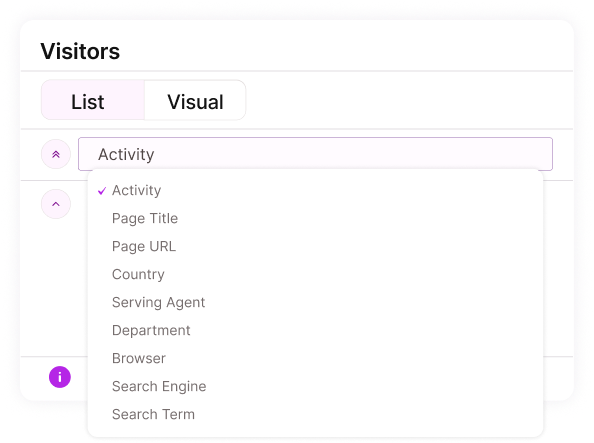
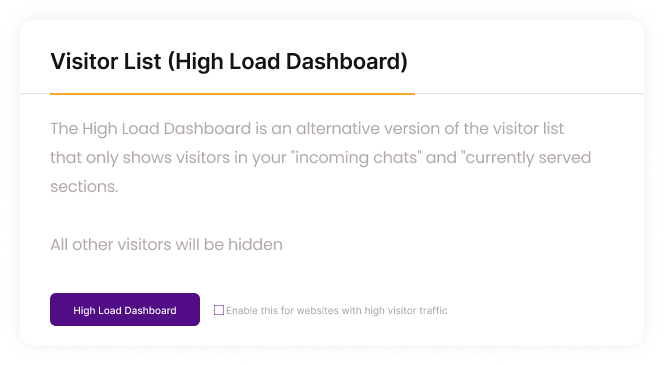
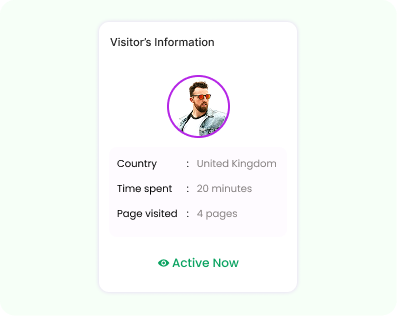
Live Visitor Monitoring gives you a real-time dashboard of everyone currently active on your website, allowing your agents to instantly see how many visitors are online, which pages they’re viewing, how long they’ve spent on each page, what device they’re using, whether they’re new or returning, and even their geographical location. With this immediate visibility into visitor behavior, your team understands customer intent long before a chat begins—making every interaction more informed, timely, and effective.
Visitor
Shows the visitor’s name or identifier along with their live activity status.
Time
Displays how long the visitor has been active on your website.
Current Page
Indicates the exact page the visitor is currently viewing in real time.
Technology
Shows the browser and device the visitor is using to access your site.
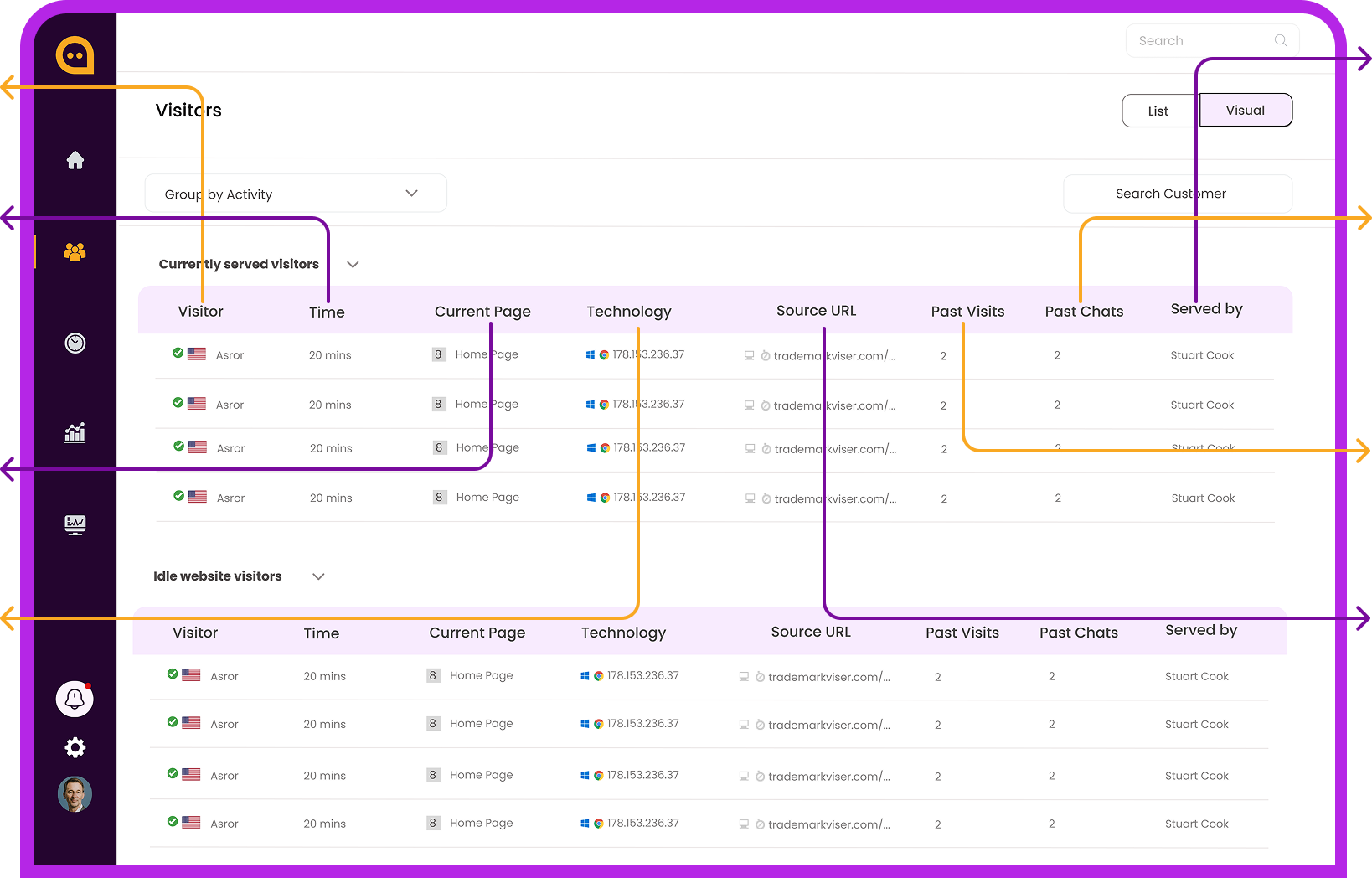
Served By
Indicates which agent is currently handling or assigned to the visitor.
Past Chats
Displays how many previous conversations this visitor has had with your team.
Past Visits
Shows the total number of pages the visitor has viewed during their session.
Source URL
Reveals where the visitor came from—such as a campaign link, website, or referral.